How Do I Schedule Reports?
Step 1 of 5
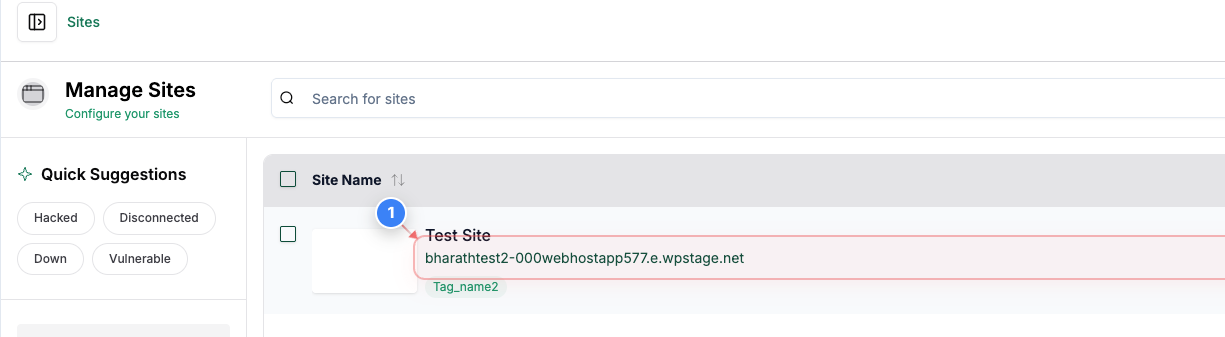
Open Site Dashboard
Click on your site name in the Sites list to open its management dashboard.
Step 2 of 5
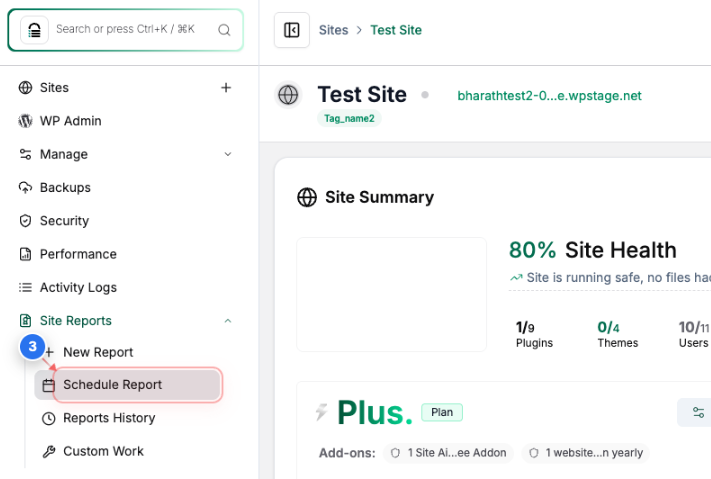
Access Scheduled Reports
Go to Site Reports -> Select the Schedule Report option from the left sidebar to view reporting tools for the site.
Step 3 of 5
Review Report Configuration
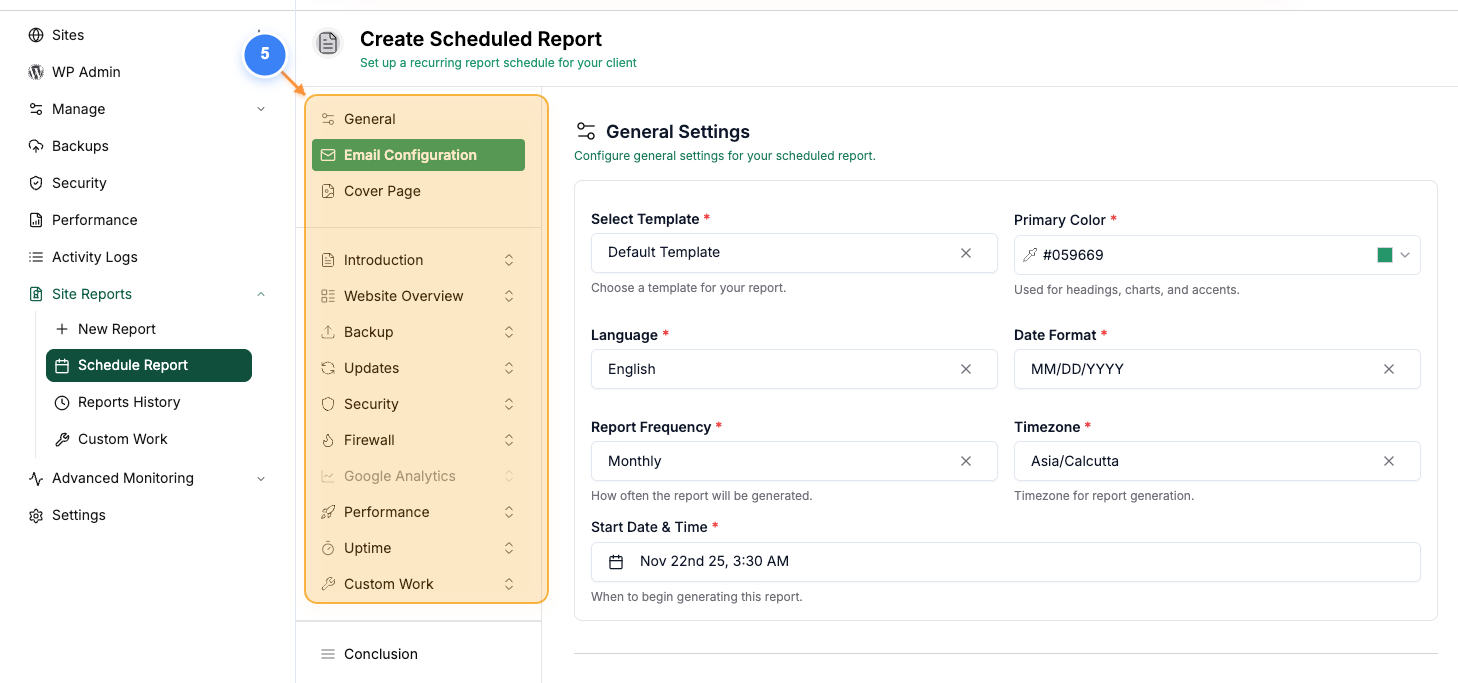
Tailor the report according to your preferences:
- Under General settings, choose a pre-built template or stick with the default settings.
- Make sure to review the Email Configurations and add the recipient email addresses accordingly.
- Select specific data categories you wish to include in the report (Overview, Updates, Backup, Security, etc.).
Note: You can navigate through each section using the index provided on the left side of the Report page
Step 4 of 5
Preview the Report
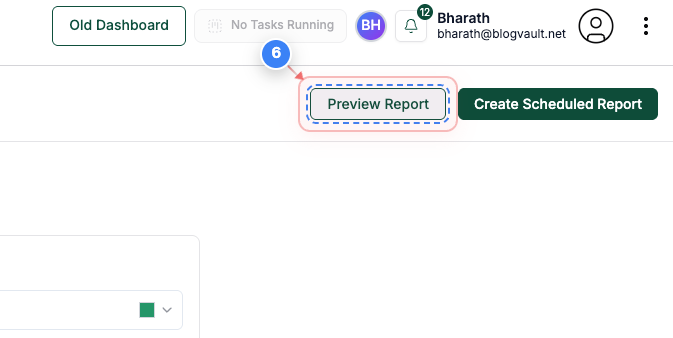
Click the Preview Report button at the top-right to see how the scheduled report will appear to recipients.
Step 5 of 5
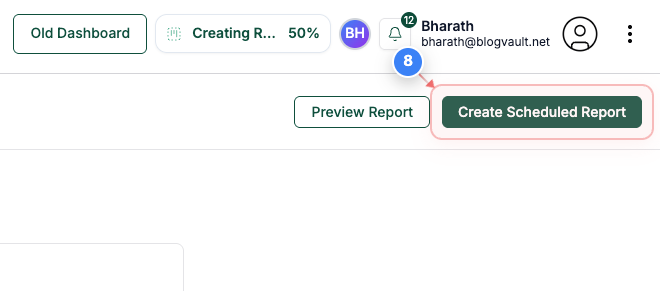
Create Scheduled Report
Finally, click the Create Scheduled Report button at the top-right to save and activate the reporting schedule.