How Do I Connect Additional Google Analytics Accounts to My Dashboard?
Step 1 of 4
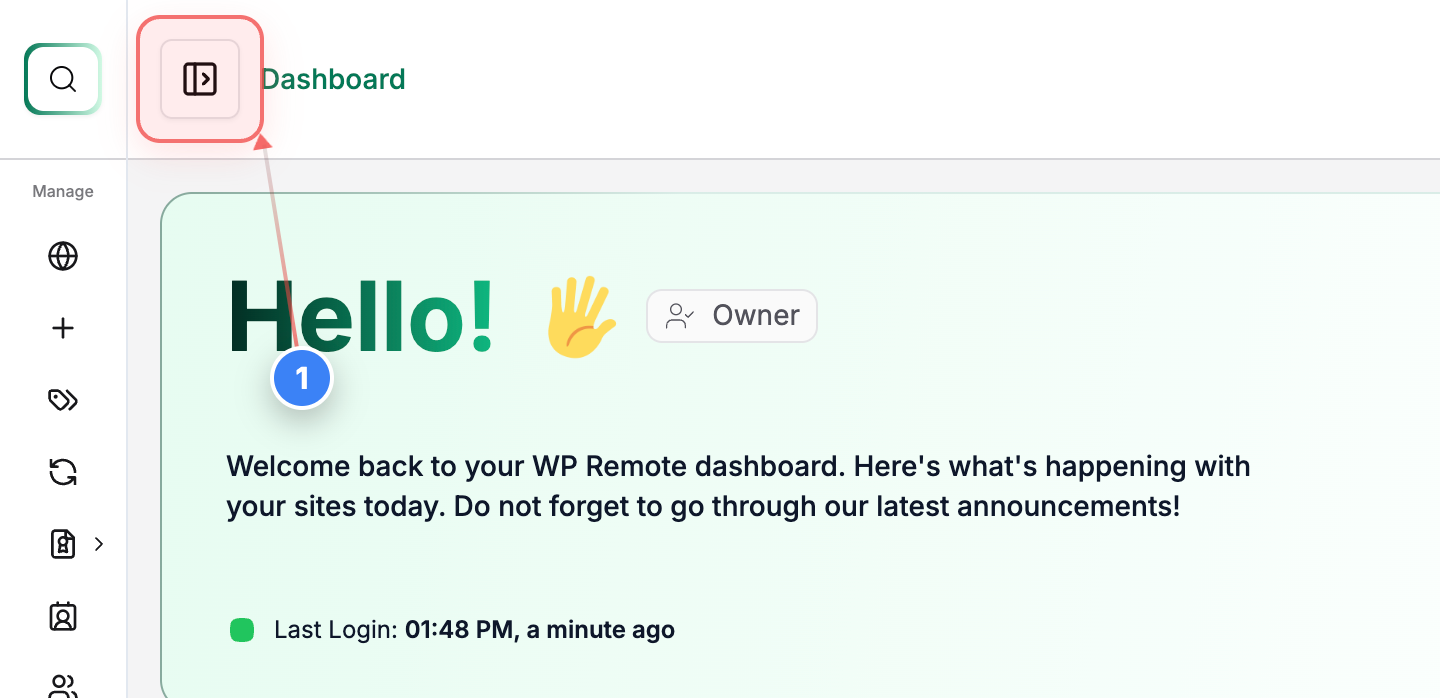
Open Sidebar Menu
Click the button in the top-left navigation bar to open the sidebar menu and access additional site options.
Note: This reveals the main navigation sections, including Integrations.
Step 2 of 4
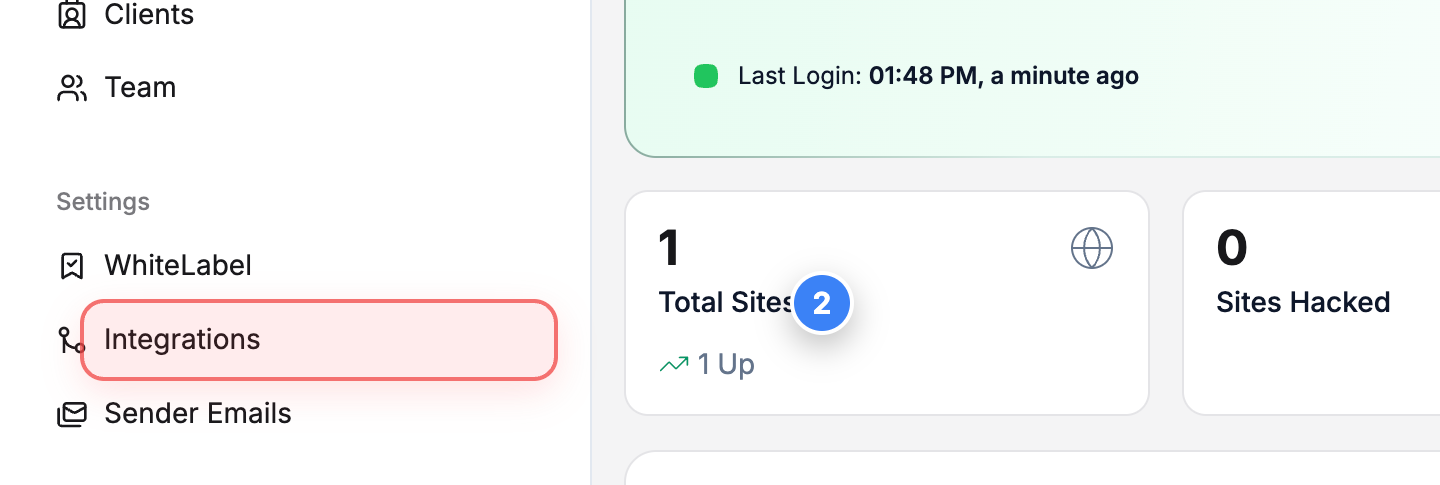
Open Integrations Section
Select the Integrations option in the left sidebar to view all available external service connections.
Note: This section includes services like Slack, Dropbox, Google Pagespeed, and Google Analytics.
Step 3 of 4
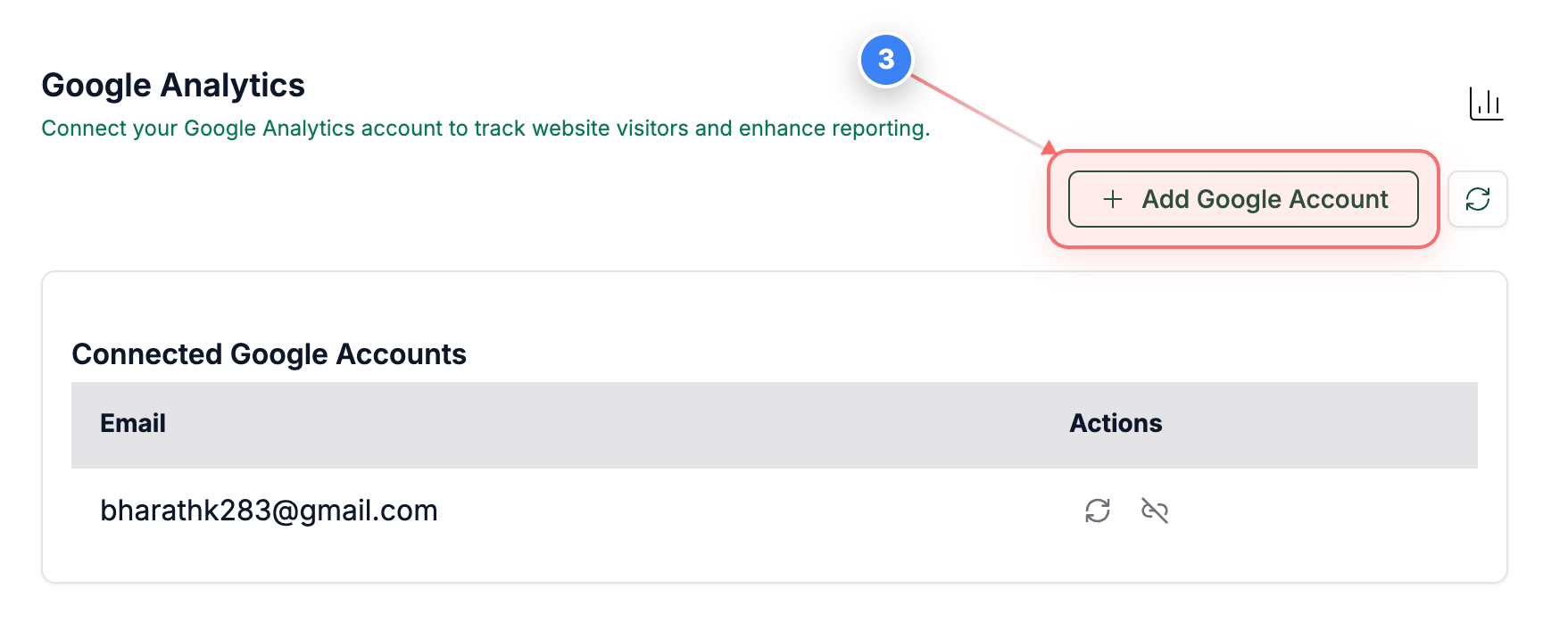
Add Google Analytics Account
Click the Add Google Account button in the upper-right area of the Integrations page to begin connecting your Google Analytics account.
Note: A Google sign-in window will open to authorize access.
Step 4 of 4
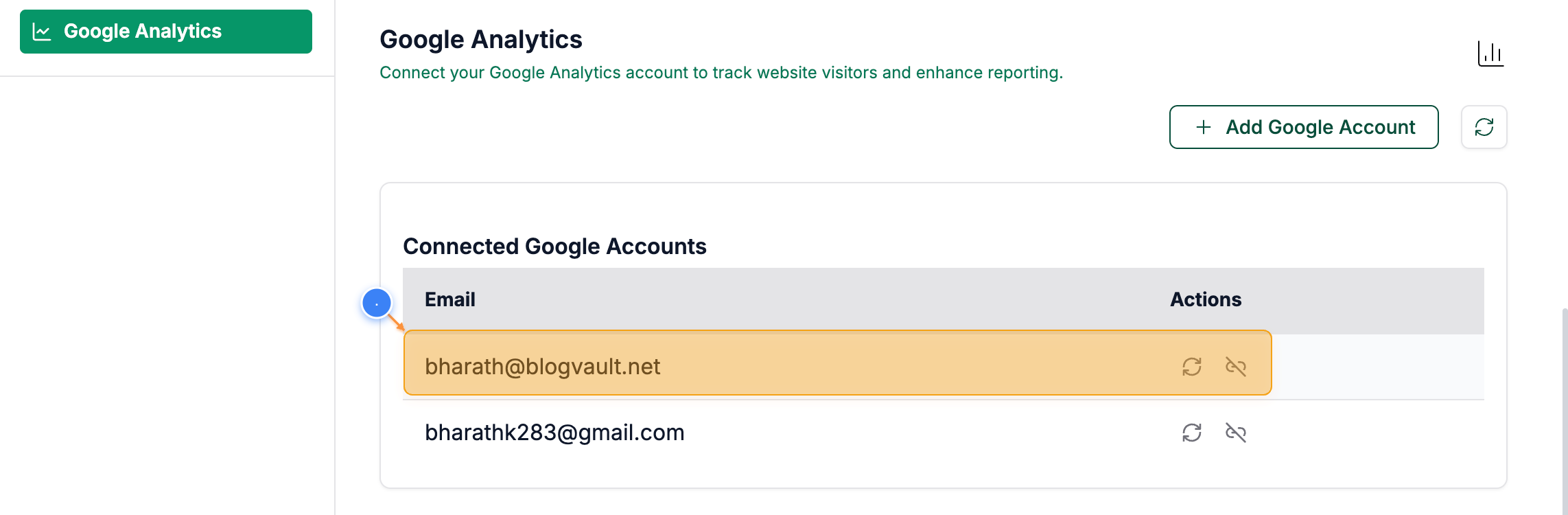
Review Integration Status
You can see the newly added email address shown in the list once you complete all the steps.