How do I move a website to the free plan?
Step 1 of 3
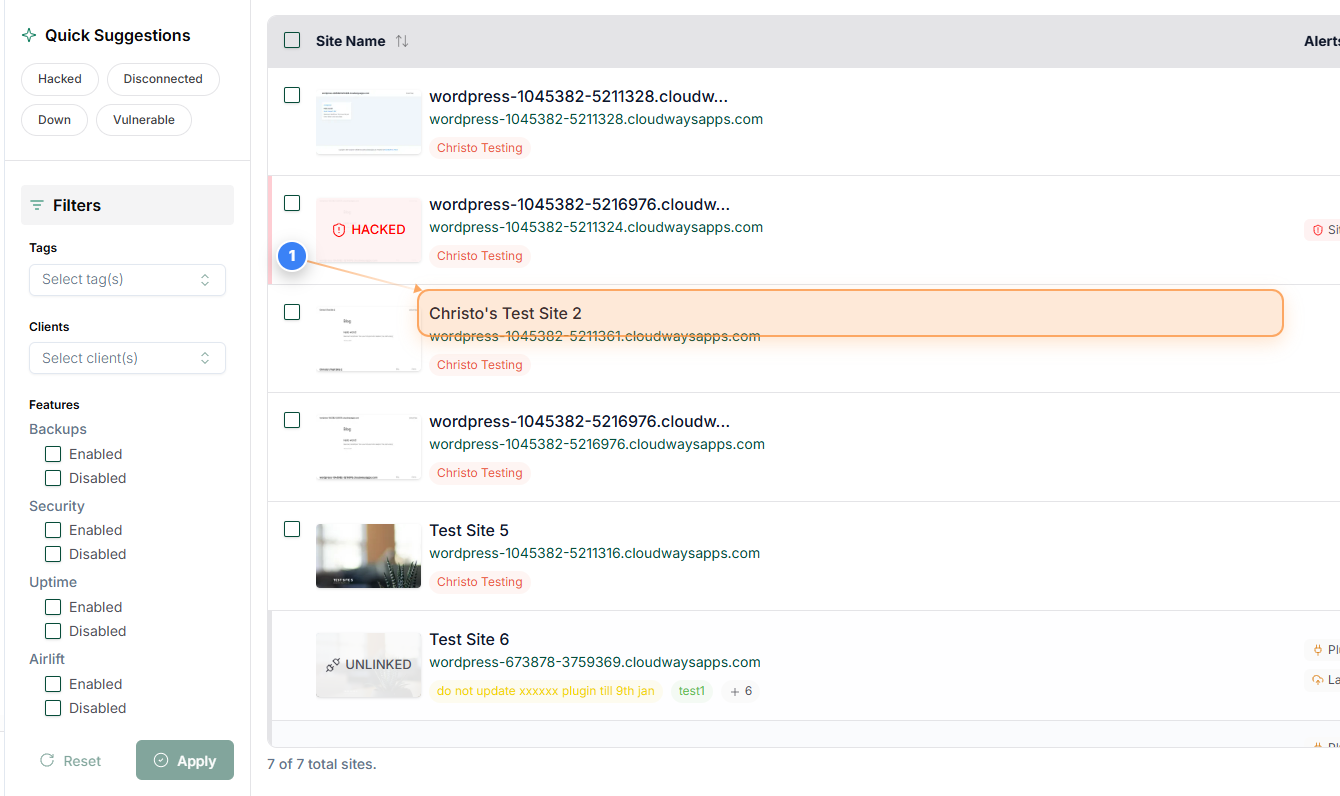
Select your Website
Open the website you want to move to the free plan
Step 2 of 3
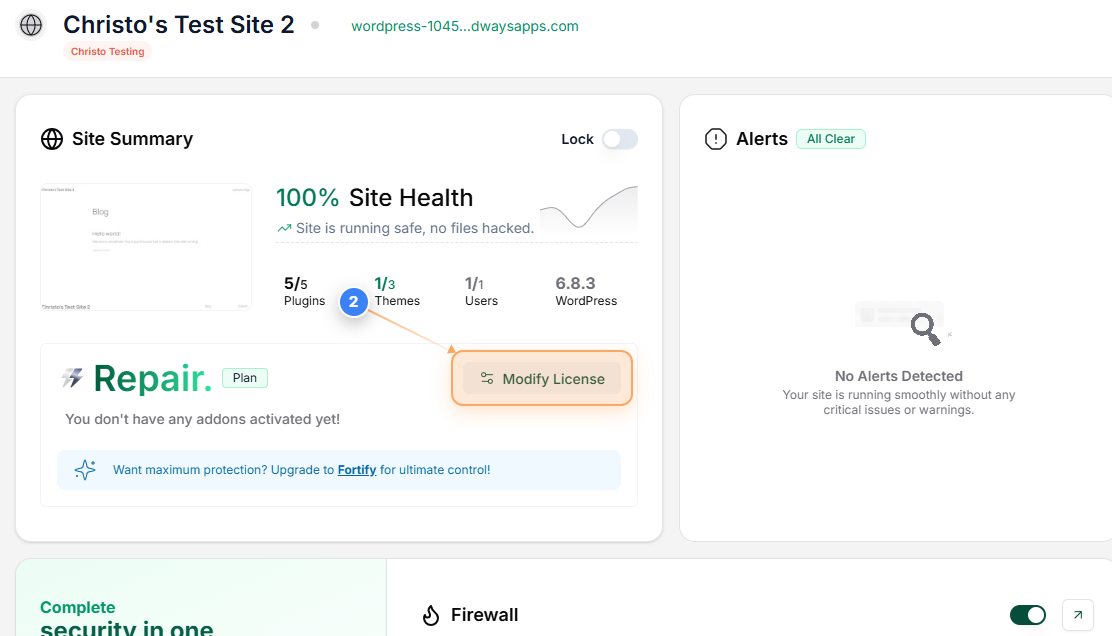
Change the License
Click the 'Modify License' option in the Site Summary section to open the list of available licenses & to make the required change
Step 3 of 3
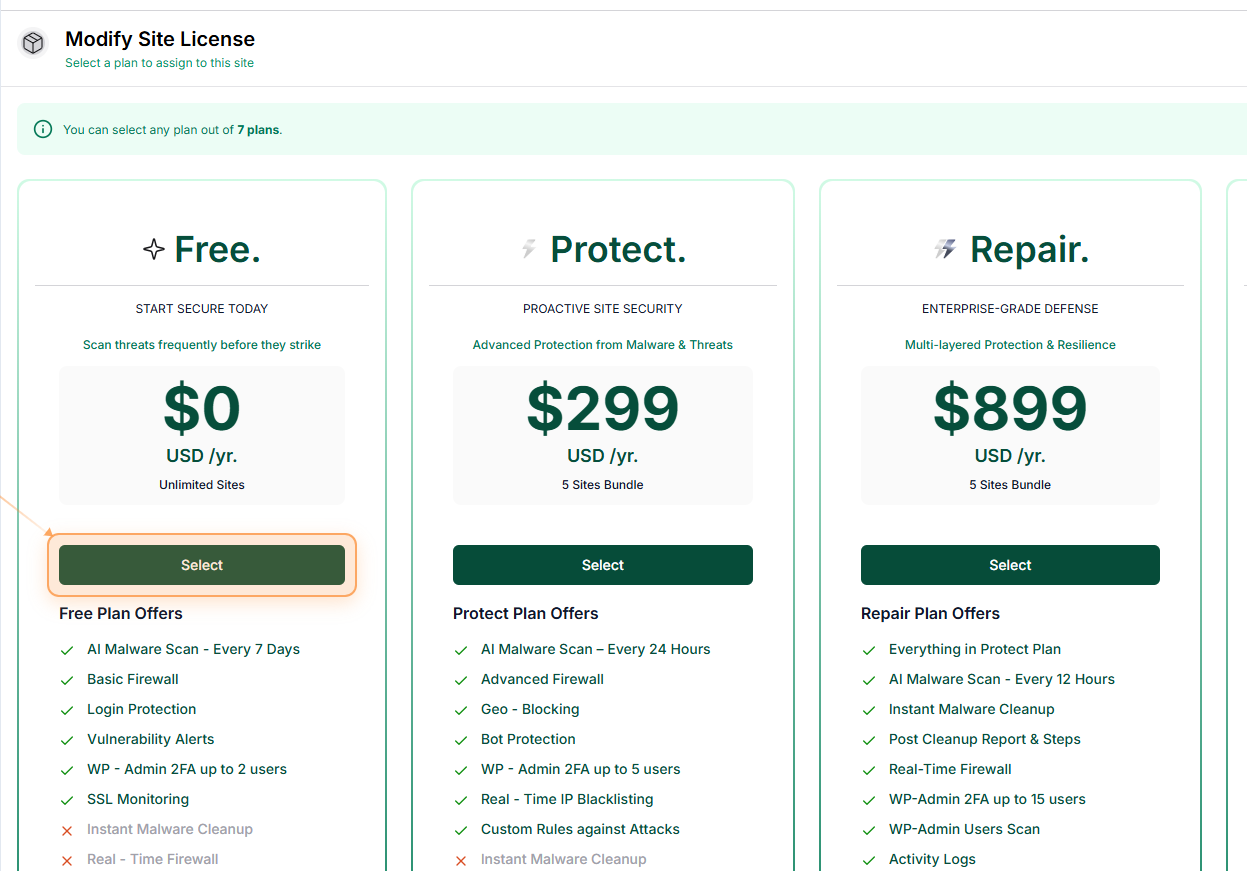
Select the Free Plan
The Free Plan is available by default to all users. Select the Free plan to move the website to it.